- Website builder
- Content
- Form enquiries
Form enquiries
Read, follow up and delete the messages visitors send through your website's forms.
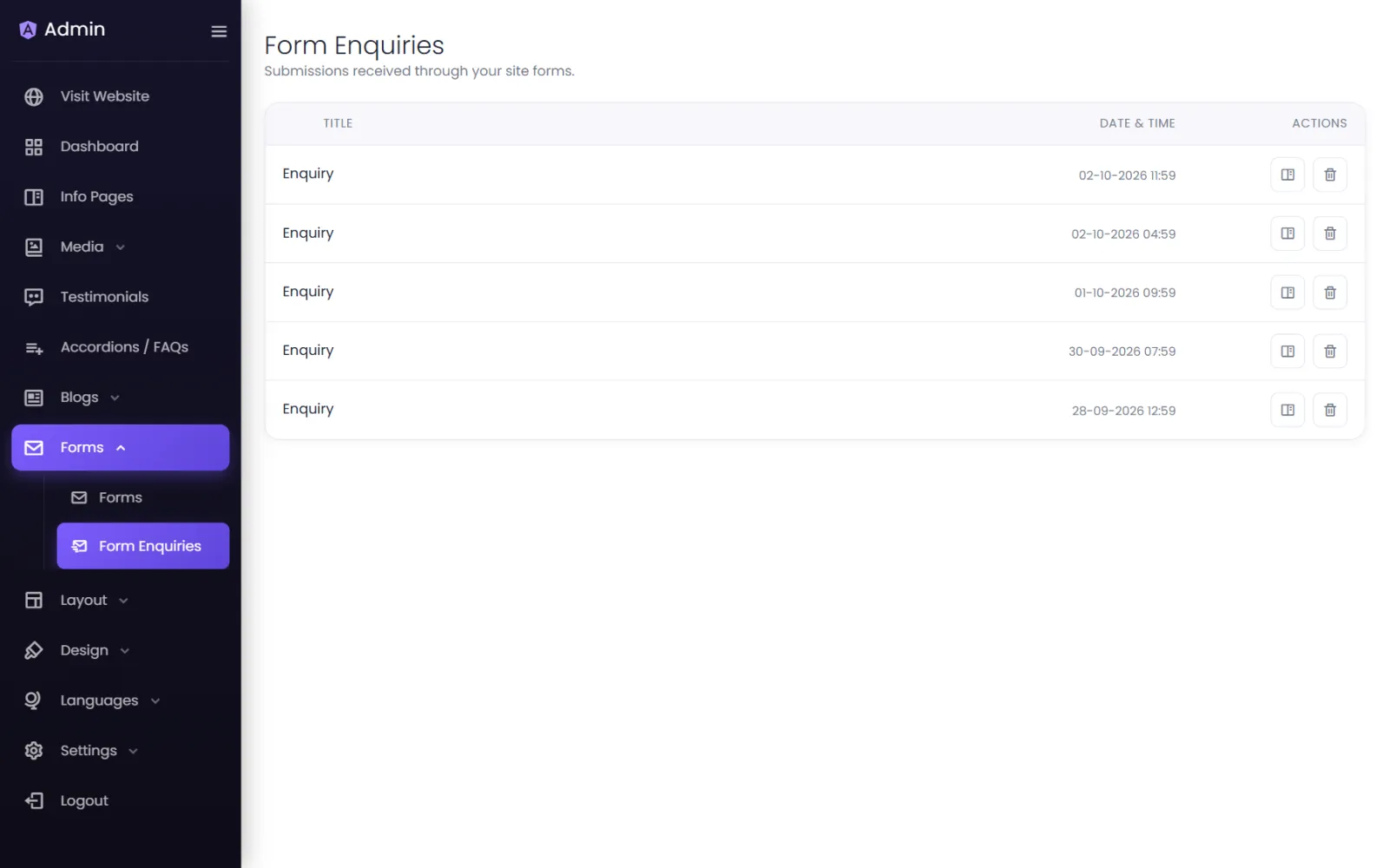
Every form submission on your website is saved in Forms › Form Enquiries — your website's inbox.
Read an enquiry#
- Open Forms › Form Enquiries. Each row shows the form's Title and the Date & Time it arrived.
- Select View to open Form Entry Data — every field the visitor filled in.
- Reply by phone, WhatsApp or email using the details they gave.
The Dashboard also lists the most recent enquiries under Recent Form Enquiries, so new leads are the first thing you see after signing in.
Delete an enquiry#
Select Delete on the row and confirm. Delete old enquiries you no longer need — it keeps the list manageable and you hold less personal data.
Not seeing enquiries you expected?#
- Send a test from your own site and check it arrives.
- Make sure the form on the page is the one you think it is (the Form element's Select Form).
- If you use spam protection, a visitor whose browser blocks Google's check may be refused — see Forms and spam checks.
Was this page helpful?
Something is missing — tell us