- Online store builder
- Customers
- Admin users
Admin users
Give staff their own login to your store's admin panel — create, edit and remove admin users safely.
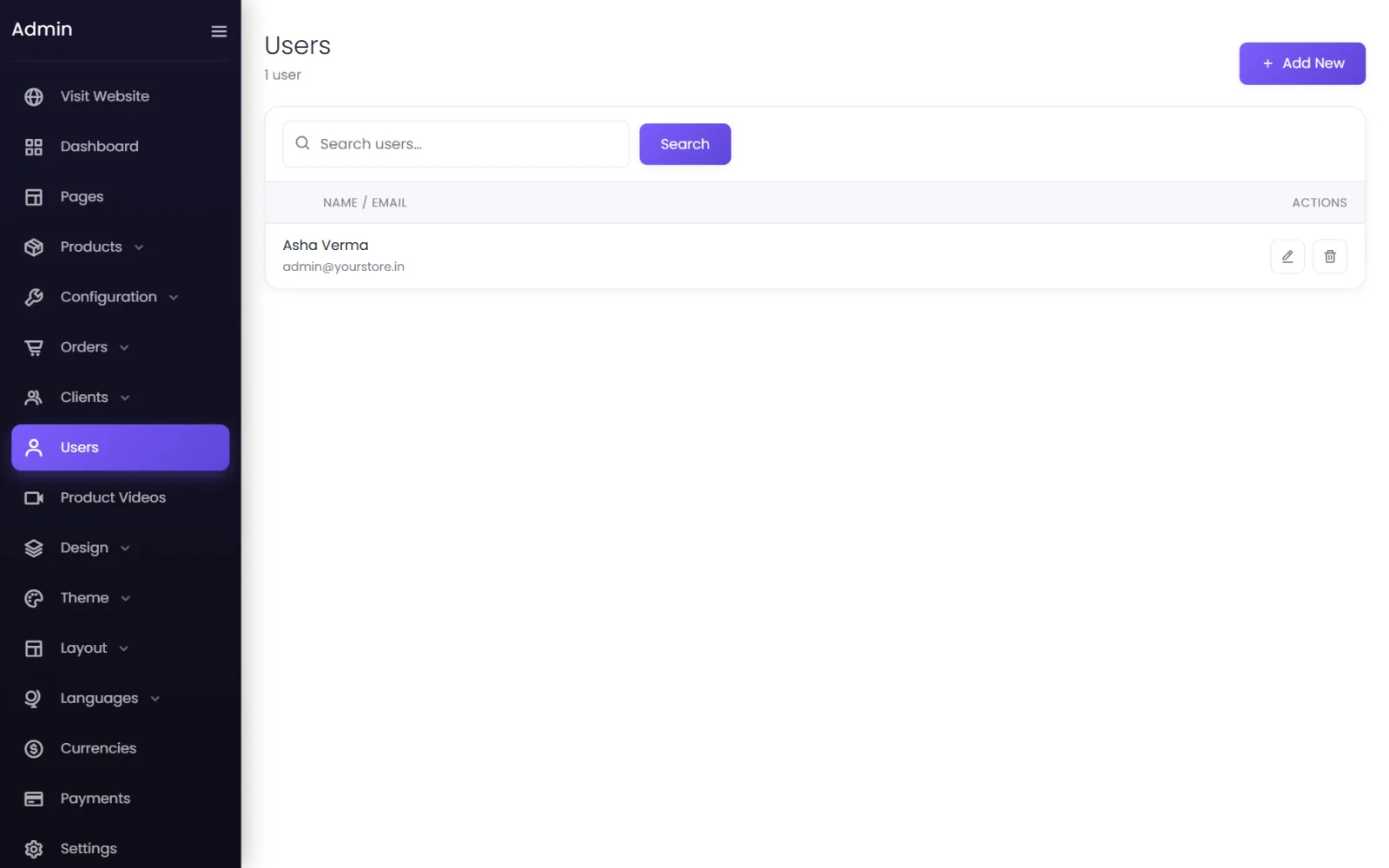
Everyone who helps run your store should have their own admin login — never share yours. Admin users are managed under Users.
Add an admin user#
- Go to Users and select Add New.
- Enter their Name, Email, a Password and the same password in Confirm Password.
- Select Submit.
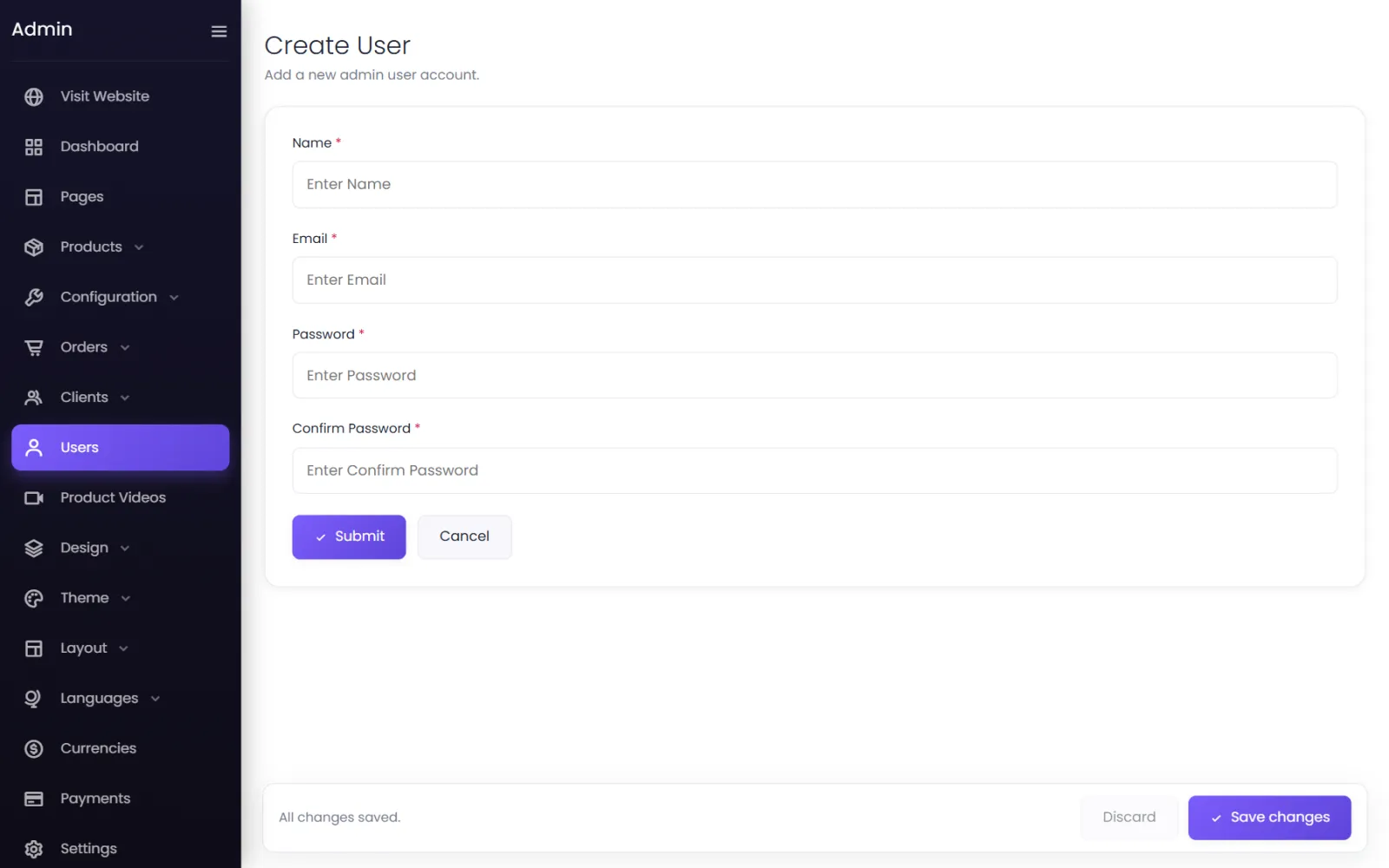
They can now sign in at yourdomain/login with that email and password, and land on the admin dashboard. Ask them to change the password to one only they know: they can use Forgot password? on the sign-in page.
Change a name, email or password#
Select the edit button on their row. Change what you need; for the password, type a new one in Password and Confirm Password — or leave both blank to keep the current one. Select Submit.
Remove someone#
Select the bin on their row. They can no longer sign in to the admin panel. Do this the day someone leaves.
Good practice#
- Use a strong password: 10 characters or more, not used anywhere else.
- Use each person's own email, so they can reset their password themselves.
- Keep at least two admins — you and one other — so you are never locked out.
- Review the list now and then and remove logins nobody uses.
Customers are separate#
Customer accounts are not listed here and cannot open the admin panel. See Customer accounts and sign-in.
Was this page helpful?
Something is missing — tell us