- Online store builder
- Getting started
- Create your account
Create your store account
Sign up for the store builder — the four fields, what each is for, and what happens next.
Your store account is where you buy and manage plans. Creating one is free and takes a minute; you only pay when you set up a store.
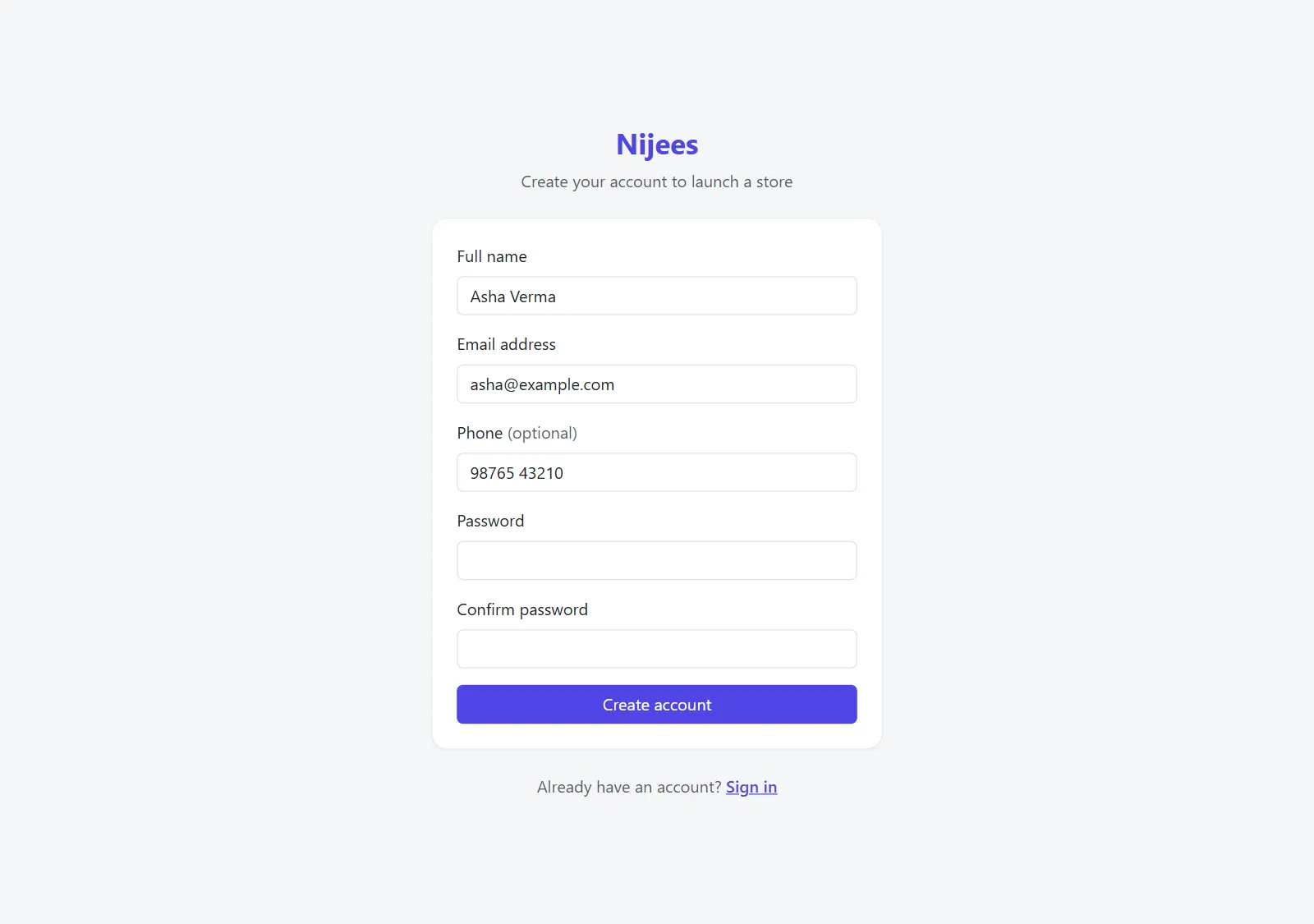
Step by step#
- Go to www.nijees.in/account/register.
- Fill in the form:
- Full name — your name as the store owner. It greets you on your dashboard.
- Email address — you sign in with this. Use an address you check; it must not already have an account.
- Phone (optional) — a number we can reach you on about your account.
- Password and Confirm password — at least 6 characters, typed the same twice.
- Select Create account.
You are signed in straight away and land on your dashboard. It is empty until you subscribe to a plan — see Choose a plan.
Signing in later#
Go to www.nijees.in/account/login and enter your email address and password. Tick Remember me on your own computer to stay signed in.

If something goes wrong#
| Message | What to do |
|---|---|
| The email has already been taken. | There is already an account with that email. Sign in instead. |
| The password confirmation does not match. | Type the same password in both boxes. |
| The password must be at least 6 characters. | Choose a longer password. |
| These credentials do not match our records. | When signing in: check the email and password, and Caps Lock. |
| 429 Too Many Requests | More than 20 attempts came from your connection in a minute. Wait a minute and try again. |
There is no self-service password reset for the store account yet. If you forget your password, contact support from the email address on the account. More in Account sign-in problems.
Was this page helpful?
Something is missing — tell us