- Online store builder
- Customers
- Shopper accounts
Customer accounts and sign-in
How customers create an account and sign in to your store — password or PIN, email or phone, one-time codes and password resets.
Customers can shop as guests or create an account on your store. An account keeps their addresses, orders, wishlist and store credit in one place, and makes checkout faster.
Creating an account#
From Login → Create an account (or yourdomain/register), customers enter their name, email address, optionally a phone number, and a password typed twice. A password needs at least 4 characters.
They are signed in straight away and land on their account.
Signing in#
At yourdomain/login customers enter their email address and password, and can tick Keep me signed in. The sign-in page reminds them what an account gives them: tracking every order, a wishlist, and faster checkout with saved addresses.

One-time codes#
Use a one-time code lets a customer sign in without a password: they enter their email and receive a 4-digit code by email, valid for 5 minutes. A new code can be requested after 30 seconds; after 5 wrong tries they must request a new one.
Forgotten passwords#
Forgot password? emails a reset link to the address they sign in with.
Sign-in options the platform can change#
Your store's sign-in can be adjusted to suit your customers. These are set for you by our team — contact support to change them:
- What customers sign in with — their email address (the default), their phone number, or either.
- What they type — a password (the default), or a 4-digit or 6-digit PIN, optionally digits only.
- One-time codes — on (the default) or off.
Your customer list#
Clients → Clients lists every customer who has an account on your store, with their name and email. From there you can:
- search by name or email;
- Add New — create an account for a customer (Name, Email, Password, Confirm Password), for example for a phone order; tell them their password, or ask them to use Forgot password?;
- edit a customer's name, email or password;
- delete an account.
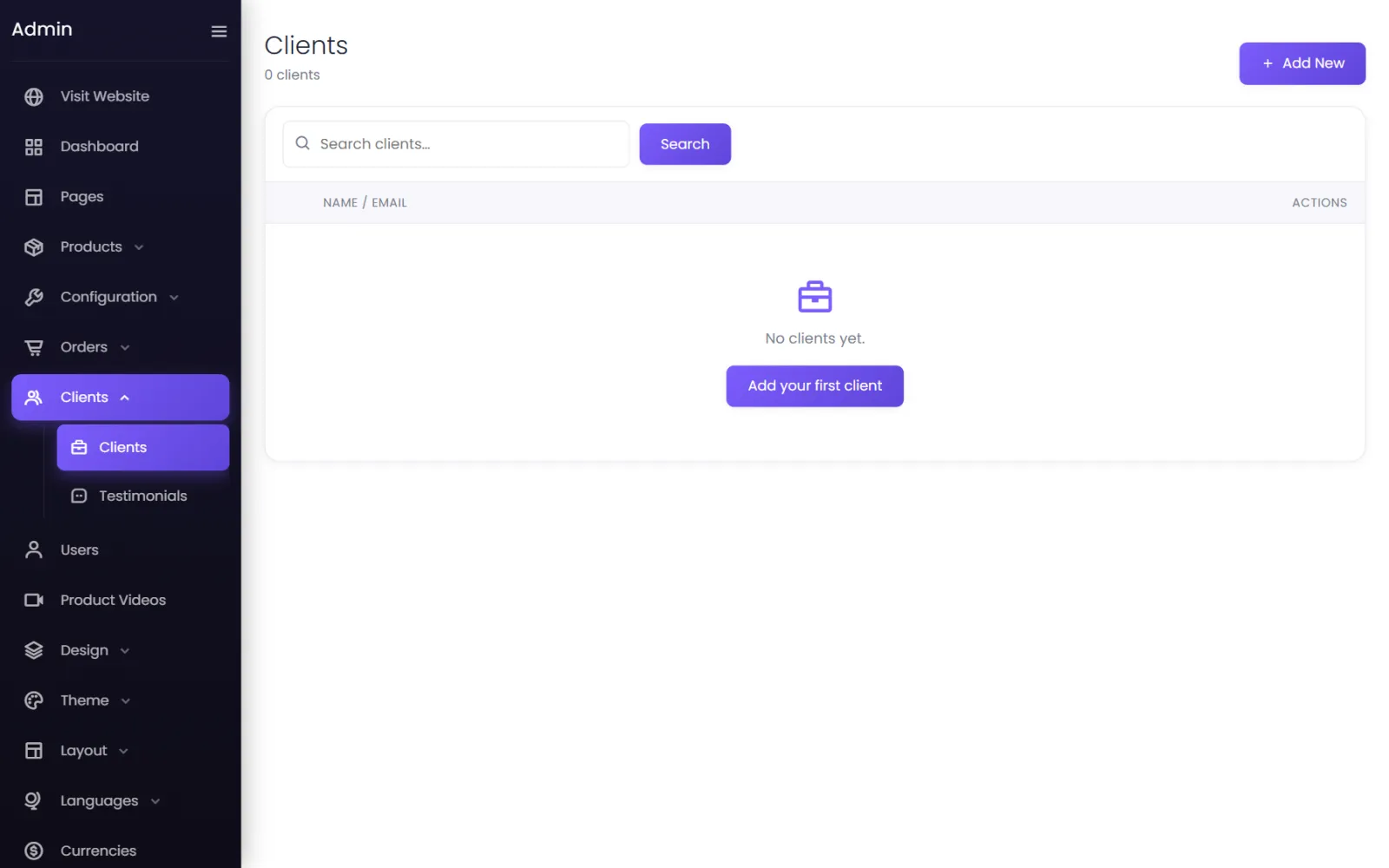
Guests who checked out without an account are not listed here; they appear in Orders, marked GUEST. Admin logins are separate — see Admin users.
Protecting sign-up from spam#
Sign-up, sign-in, one-time codes and password resets are rate-limited, and you can add Google reCAPTCHA to them. See Spam protection.
Messages customers may see#
| Message | Meaning |
|---|---|
| These credentials do not match our records. | Wrong email or password. |
| The email has already been taken. | An account with that email exists — sign in or reset the password. |
| User not found. | No account uses that email (one-time code). |
| Incorrect OTP. / Invalid or expired OTP. | Wrong code, or more than 5 minutes old — request a new one. |
| Too many attempts. Please request a new OTP. | Five wrong codes — request a new one. |
| Please wait 25s before resending OTP. | A code was just sent; wait for the countdown. |
Was this page helpful?
Something is missing — tell us