- Online store builder
- Settings
- Languages
Sell in more than one language
Add languages, translate your store side by side or with machine translation, choose addresses and how visitors land in their language.
Your store can be published in several languages — Hindi, Tamil, Arabic, French — each at its own address, with the same products and orders.
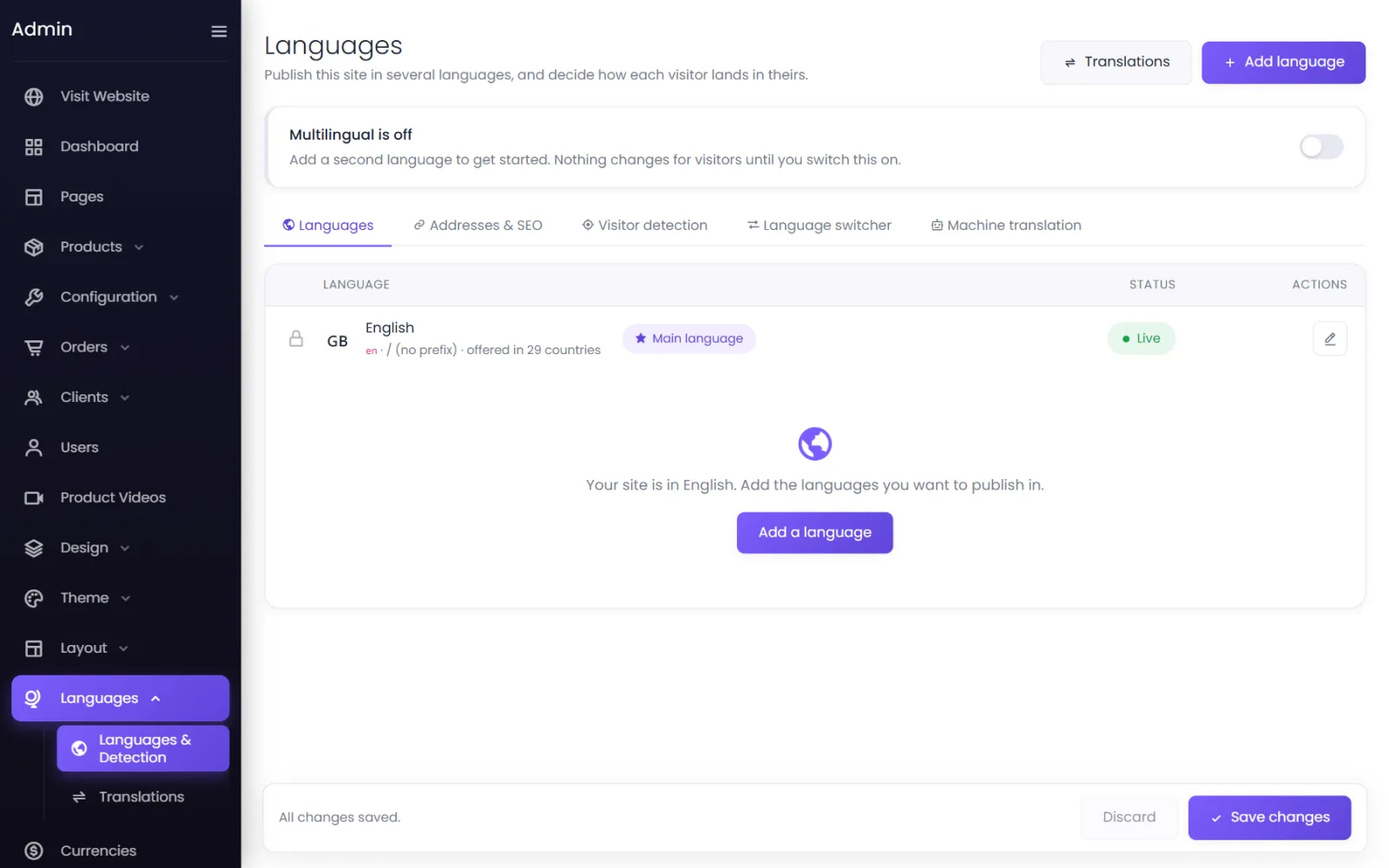
1. Add a language#
- Go to Languages → Languages & Detection and select Add language.
- Search the 125 languages (or add A language that is not listed with its code, name, writing direction and flag).
- Choose Start as: Draft — only admins see it, so you can translate before anyone sees it.
2. Translate#
Languages → Translations shows everything a visitor reads, side by side with its translation — pages, products, categories, menus, buttons.
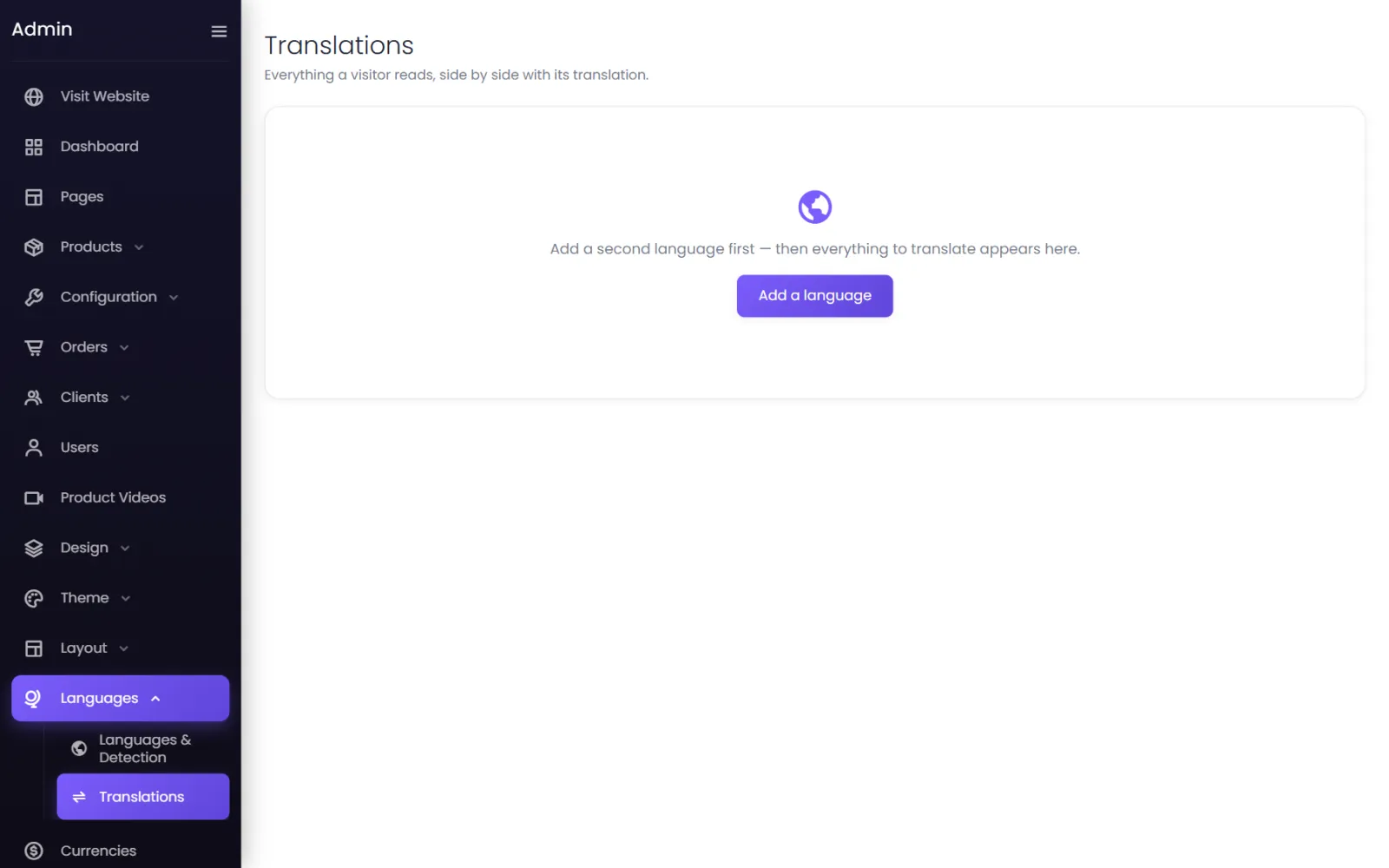
- Filter and Only untranslated find what is left. Each area shows … / … translated.
- Translate missing sends everything without a translation to a machine-translation service you connected (under Machine translation on the Languages screen). Results are marked Machine — review; your own translations are never replaced.
- Import / export — download an XLIFF, CSV or JSON file for a translator or a spreadsheet, and import it back. Rows are matched by key; empty translations are ignored.
3. Go live#
- Set the language to Live.
- Switch on multilingual at the top of the Languages screen. Until then, visitors see only your main language.
Addresses#
Each language gets its own addresses — /hi/… for Hindi — or its own domain (set under the language's Edit; the domain must already be connected to your store). Translated addresses gives pages and posts addresses in the language itself, from their translated titles; old addresses redirect.
Content that is not translated yet — Show the main language while you work, or Hide it (untranslated pages are then not found in that language).
How visitors land in their language#
When someone arrives — detect each visitor's preferred language on every page or the home page only, from signals in your order: Browser languages, Country, Earlier choice. A visitor's own choice is remembered for the days you set. Test a visitor shows what someone would get.
Where visitors can change language — in the header and phone menu, at the bottom of the footer, or a floating button; shown as a dropdown or side by side, as Español, Spanish or ES. Flags stand for countries, not languages — off is usually clearer.
Search engines#
Every page tells search engines about its language versions with hreflang tags. Default for everyone else sets the version for searchers whose language you do not have.
Pair with currencies#
Selling abroad? Set each currency to follow a store language — /fr pages in euros.
Was this page helpful?
Something is missing — tell us