- Online store builder
- Settings
- Spam protection
Spam protection (reCAPTCHA)
Stop fake sign-ups, spam enquiries and bot orders with Google reCAPTCHA — your own keys, v3 or v2, strictness, and which forms to protect.
Every sign-in, sign-up, one-time code and password reset on your store is already rate-limited: too many tries from one connection in a minute are refused. Google reCAPTCHA adds a check that a real person — not a bot — is filling in the form.
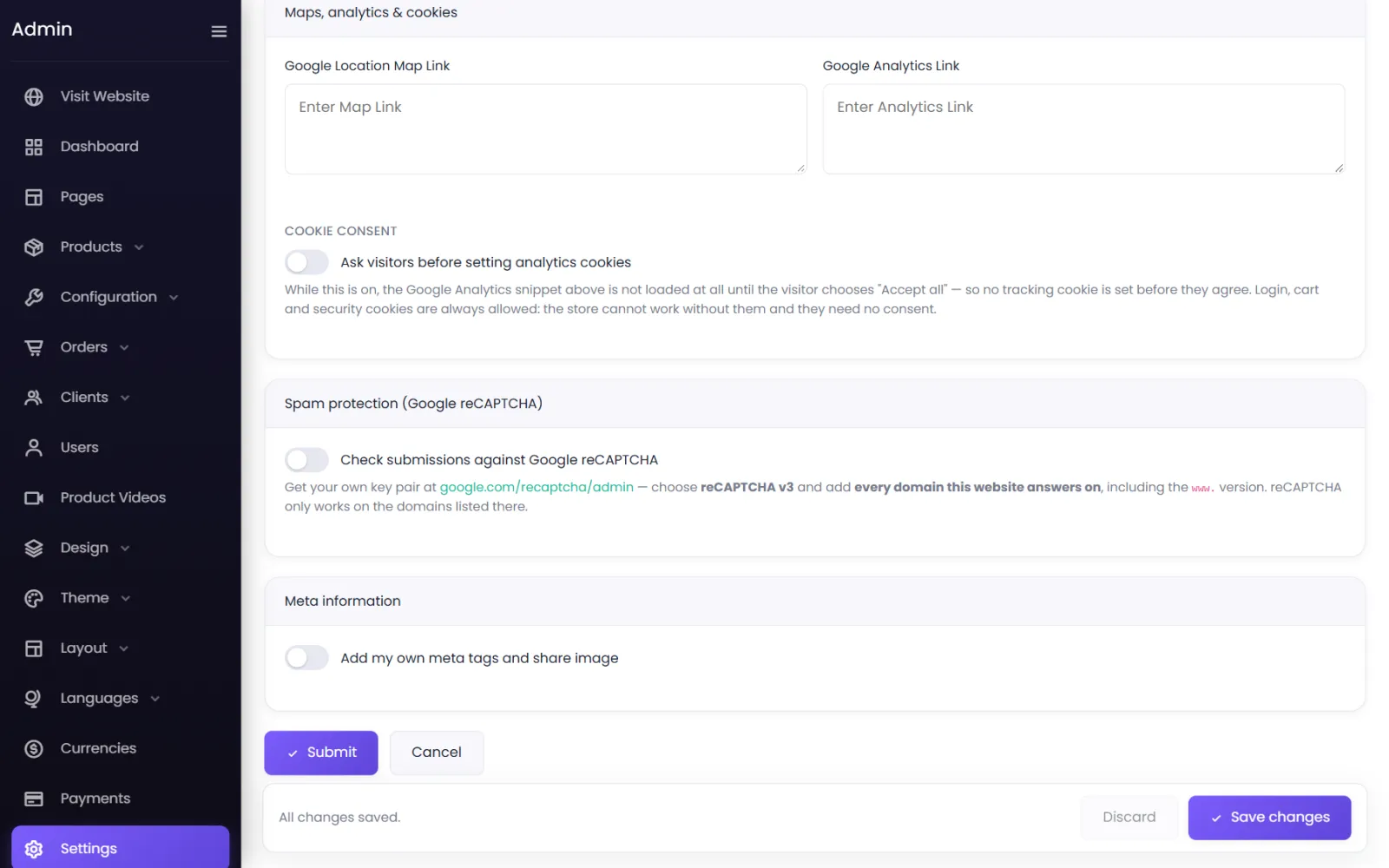
Switch it on#
- Go to Settings → Spam and switch on Check submissions against Google reCAPTCHA.
- If the screen says Currently using the platform's shared keys, protection already works — but your scores are pooled with every other store on the platform. For the best results, add your own keys:
- At google.com/recaptcha/admin, create a site and choose reCAPTCHA v3.
- Add every domain your store answers on, including the
www.version — reCAPTCHA only works on the domains listed there. - Copy the Site Key and Secret Key into Settings. The secret is stored encrypted and never shown again.
- Version — v3 (invisible, scored) (recommended) or v2 ("I'm not a robot" tick box).
- Strictness (v3) — every visitor is scored from 0.0 (certainly a bot) to 1.0 (certainly a person); below your setting is rejected. 0.5 is Google's recommendation: raise it if spam gets through, lower it if real people are turned away.
- Choose the forms to protect (below), and select Save changes.
Not active yet means a site key and a secret key are not both saved — yours or the platform's.
Which forms#
| Form | On by default |
|---|---|
| Website forms (page builder) | Yes |
| Customer registration | Yes |
| Password reset | Yes |
| One-time-code sign in | Yes |
| Guest order-access link | Yes |
| Checkout and enquiry | No |
| Sign in | No |
More options#
- Notice shown under protected forms — Google requires a notice where its badge is hidden (it is, here). Leave blank for the standard English wording.
- If Google cannot be reached: Reject submissions rather than let them through — off by default, so a Google outage never blocks your own sign-in or your enquiries.
If you get locked out#
If sign-in fails because of reCAPTCHA, use Use a one-time code — or contact support and we will switch the check off for you. See Admin sign-in problems.
Was this page helpful?
Something is missing — tell us