- Online store builder
- Marketing & content
- Testimonials
Testimonials
Add customer reviews with a name, words and an optional photo, and show them on your pages in the design you choose.
Testimonials are what your customers say about you, shown on your pages — real words from real buyers are some of the most persuasive content you can have.
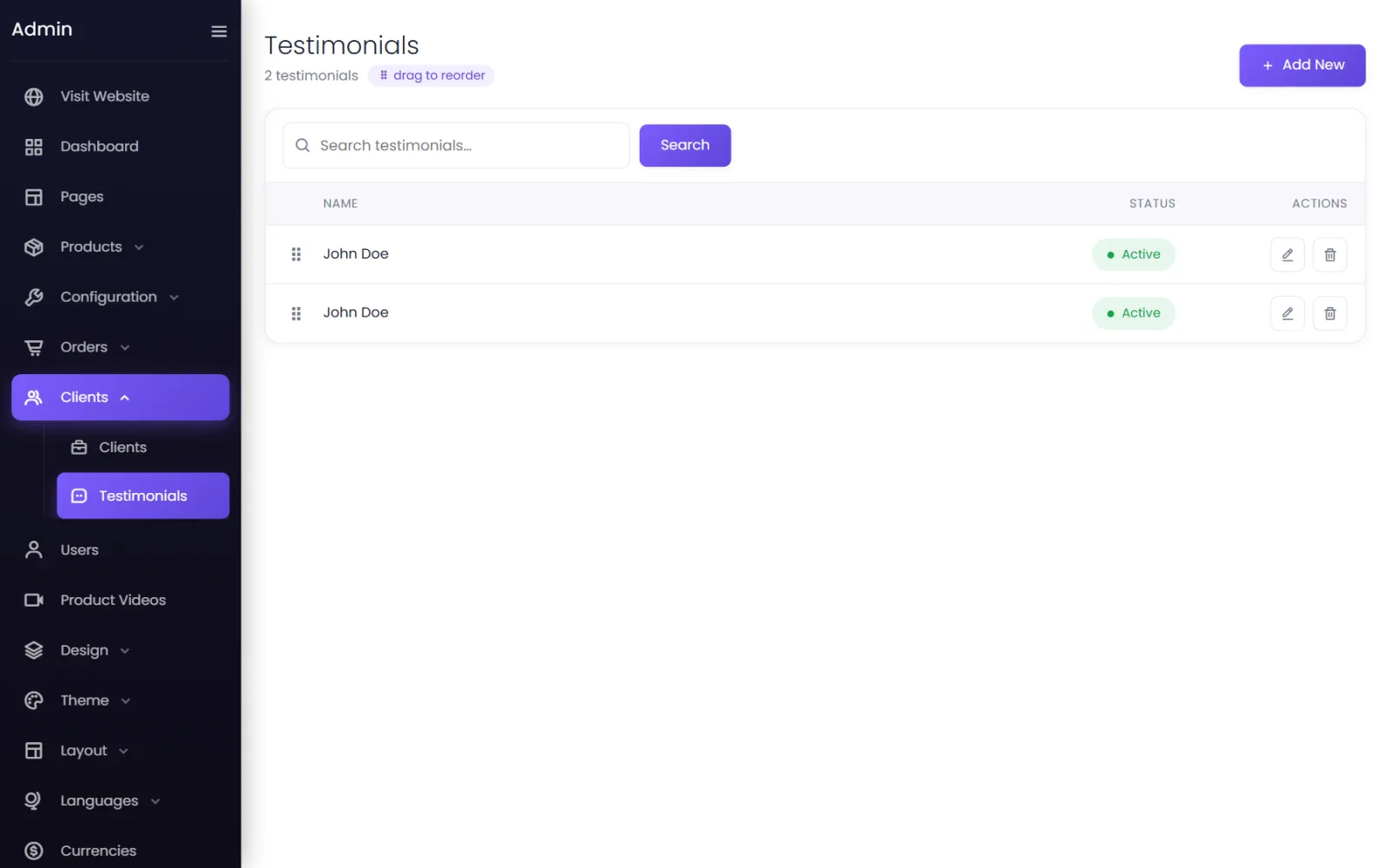
Add a testimonial#
- Go to Clients → Testimonials and select Add New.
- Fill in:
- Name — the customer's name, as they agreed to be shown (Priya S., Pune).
- Content — their words.
- Photo (optional) — designs that show a portrait use the person's initials when there is no photo.
- Status — Active.
- Select Submit. Drag rows to set the order.
Show them#
Add the Testimonials element to a page in the page builder. How they look — cards or a slider, with or without photos — comes from Design → Testimonial. See Design library.
Collecting reviews#
- Ask happy customers on WhatsApp a few days after delivery.
- Add a short form — Tell us what you think — and turn the best answers into testimonials.
Was this page helpful?
Something is missing — tell us