- Online store builder
- Settings
- General settings
Store settings
The Website Settings screen section by section — business details, branding, storefront options, shipping switches, returns, floating buttons, maps and cookies, spam and meta.
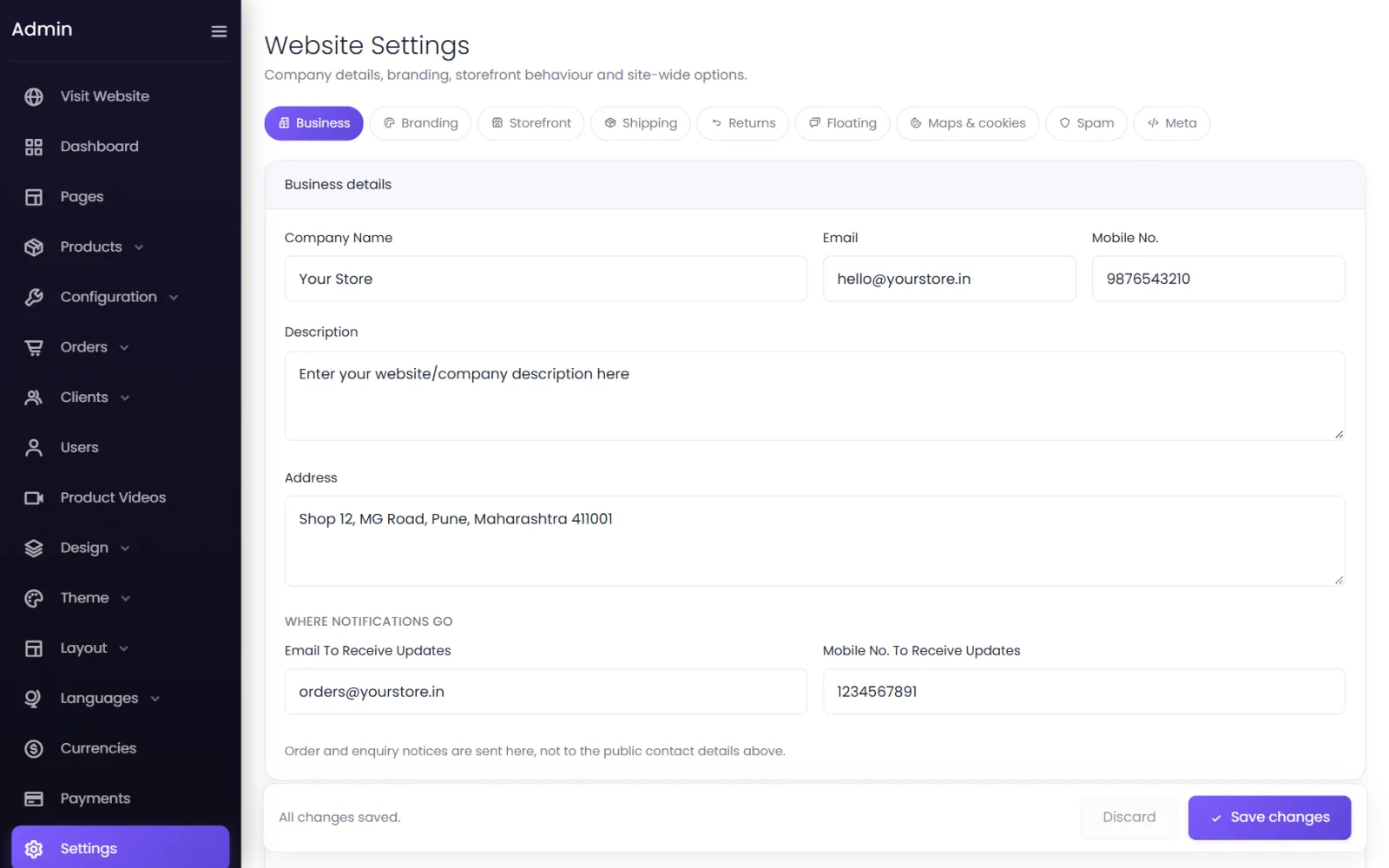
Settings opens Website Settings — one long screen with a tab bar at the top to jump between sections: Business, Branding, Storefront, Shipping, Returns, Floating, Maps & cookies, Spam and Meta. Select Save changes at the bottom when you are done.
Business#
- Company Name, Email, Mobile No. — your public contact details, shown on your store.
- Description — a short description of your business.
- Address — your business address. It is also used on invoices unless you set one under Invoices & Labels.
- Where notifications go — Email To Receive Updates and Mobile No. To Receive Updates. See Notifications.
The starter store says Your Company and name@email.com — replace them first.
Branding#
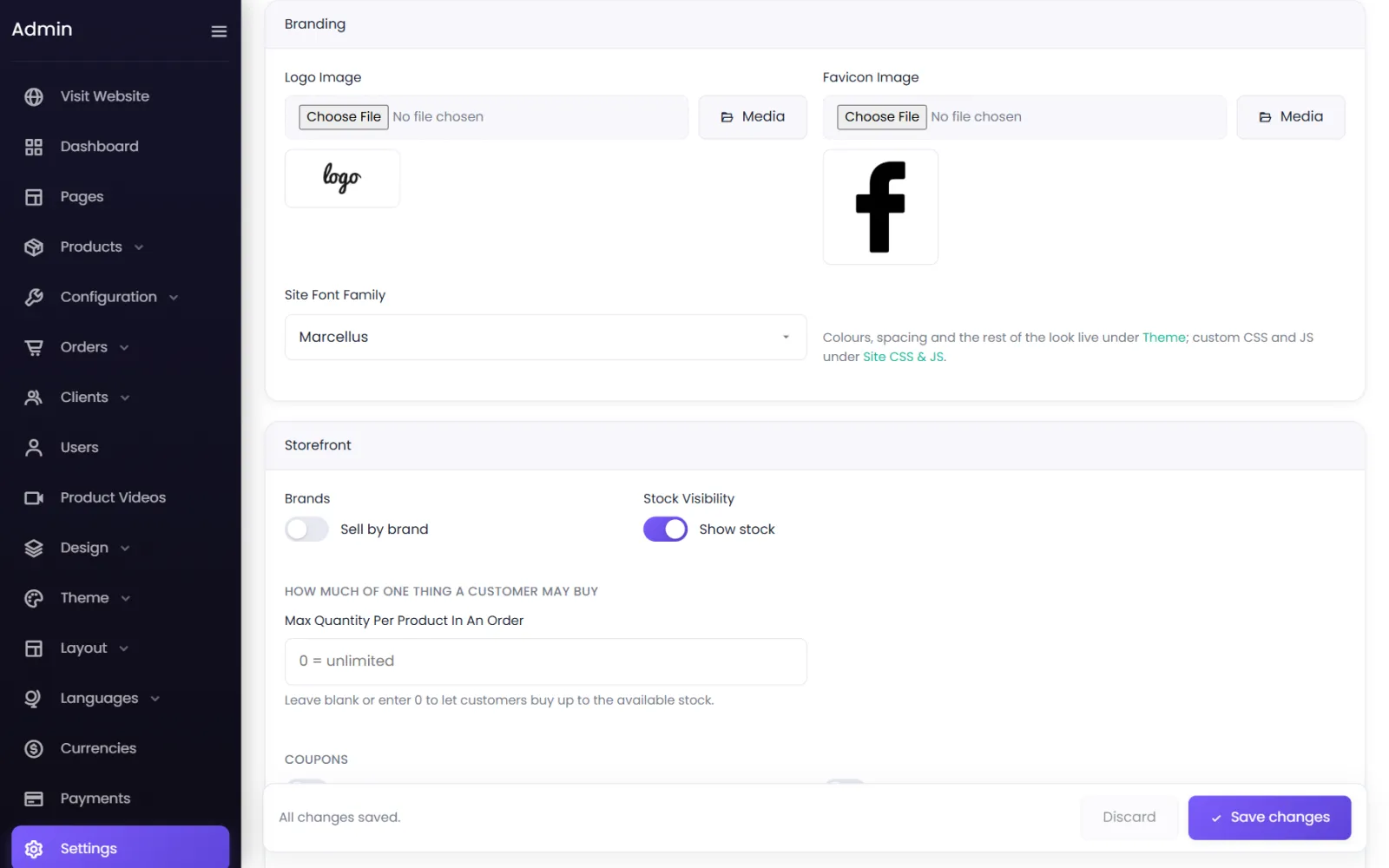
- Logo Image — shown in your header. Upload one, or pick it with Media.
- Favicon Image — the small icon in browser tabs and bookmarks. A square PNG, at least 64 × 64 pixels.
- Site Font Family — the font used across your store.
Colours, spacing and the rest of the look are under Theme; custom code under Site CSS & JS.
Storefront#
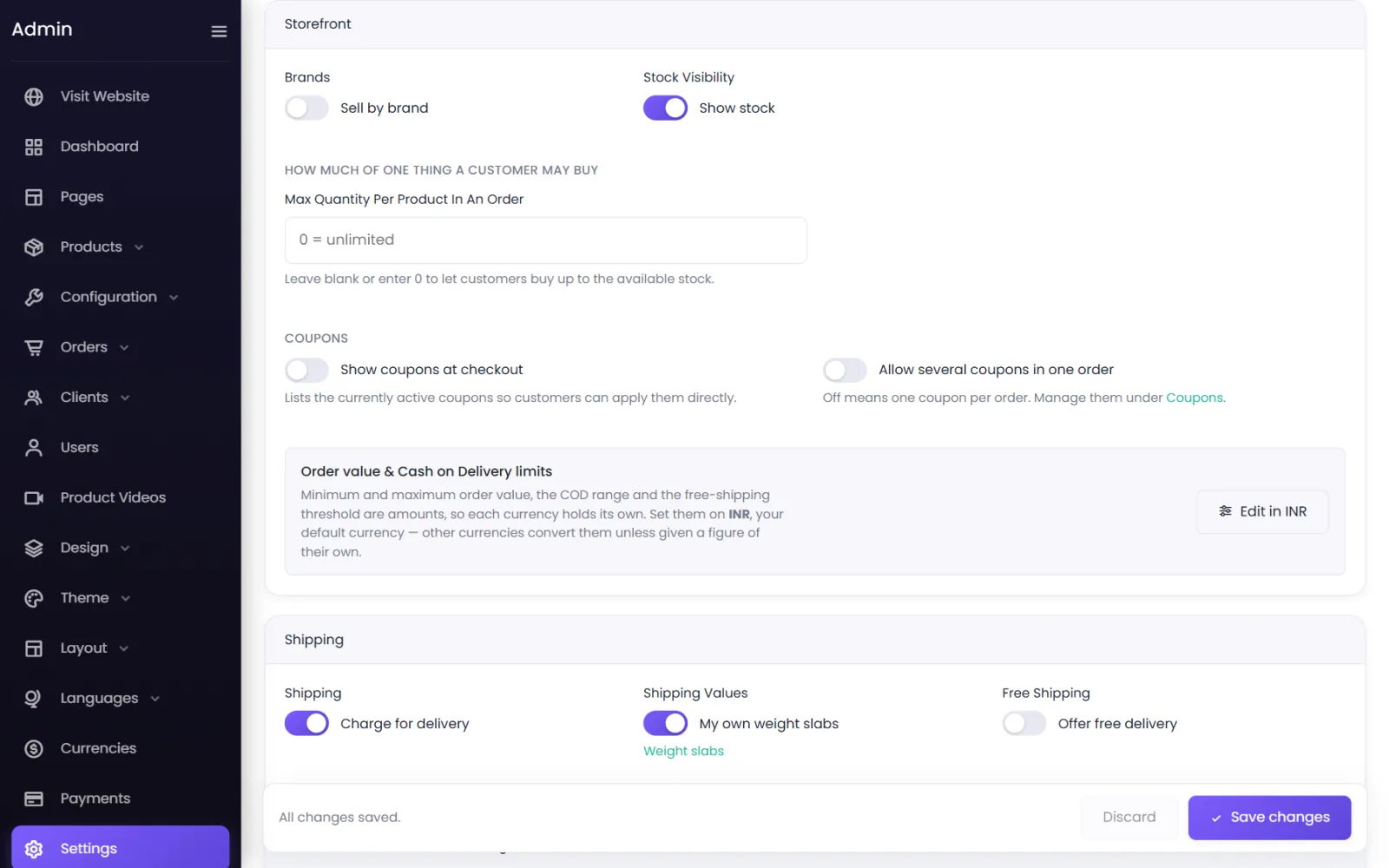
- Brands: Sell by brand — adds brands to products and the menu. See Brands.
- Stock Visibility: Show stock — product pages say how many are available.
- Max Quantity Per Product In An Order and Apply Max Quantity (per variant or per product). See Variants and stock.
- Coupons — Show coupons at checkout and Allow several coupons in one order. See Coupons.
- Order value & Cash on Delivery limits — Edit in INR opens your currency's limits. See Order and COD limits.
Shipping#
Charge for delivery, Shipping Values (your weight slabs or Shiprocket) and Free Shipping. See Shipping charges by weight and Free shipping.
Returns#
A shortcut to the Returns policy screen. See Returns policy.
Floating, Maps & cookies, Spam, Meta#
- Floating — the WhatsApp chat button and scroll-to-top. See WhatsApp and scroll-to-top.
- Maps & cookies — your Google Maps link, Google Analytics and the cookie bar. See Cookies and analytics.
- Spam — Google reCAPTCHA. See Spam protection.
- Meta — your own meta tags and the share image. See SEO and sharing.
Not on this screen#
Some store-wide options are set by our team rather than here — catalogue or online-store mode, how customers sign in (email, phone, password or PIN), one-time codes, and guest checkout. Contact support to change them.
Was this page helpful?
Something is missing — tell us