- Online store builder
- Orders & returns
- Invoices and labels
GST invoices, challans and shipping labels
Set up your tax invoice — legal name, GSTIN, state, numbering, declaration, signature — plus delivery challans and 4×6 or A4 shipping labels.
Every order can print three documents: a tax invoice, a delivery challan and a shipping label. Orders → Invoices & Labels decides what they say and how they look. Set it up once, before your first order.
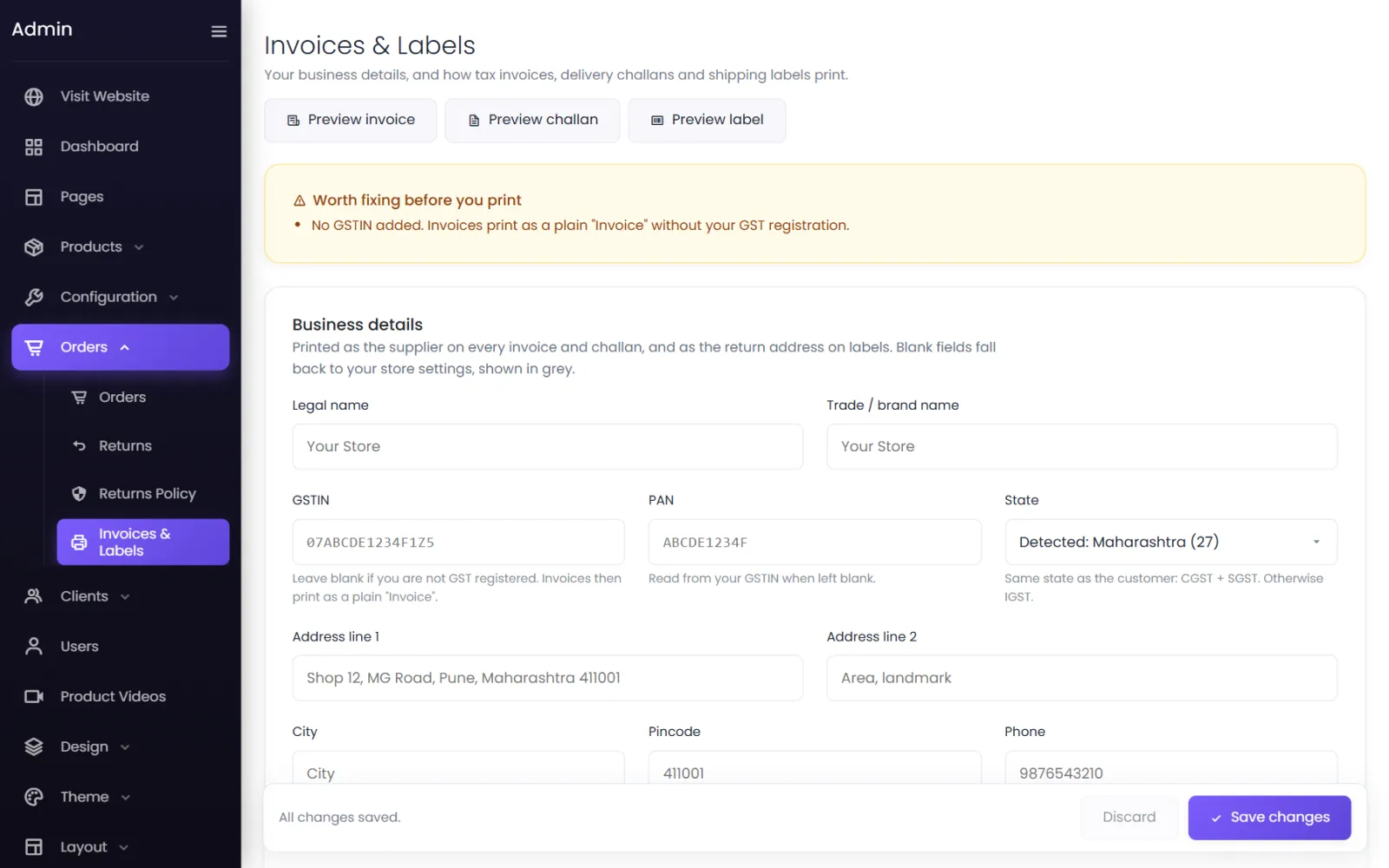
At the top, Preview invoice, Preview challan and Preview label show a sample with your current settings. A yellow Worth fixing before you print box lists anything missing — such as No GSTIN added.
Business details#
Printed as the supplier on every invoice and challan, and as the return address on labels. Blank fields fall back to your store settings, shown in grey.
- Legal name — the name on your GST registration.
- Trade / brand name — shown as the heading.
- GSTIN — leave blank if you are not GST-registered; invoices then print as a plain Invoice.
- PAN — read from your GSTIN when left blank.
- State — detected from your GSTIN where it can be. Same state as the customer: CGST + SGST. Otherwise IGST.
- Address, City, Pincode, Phone, Email and Website.
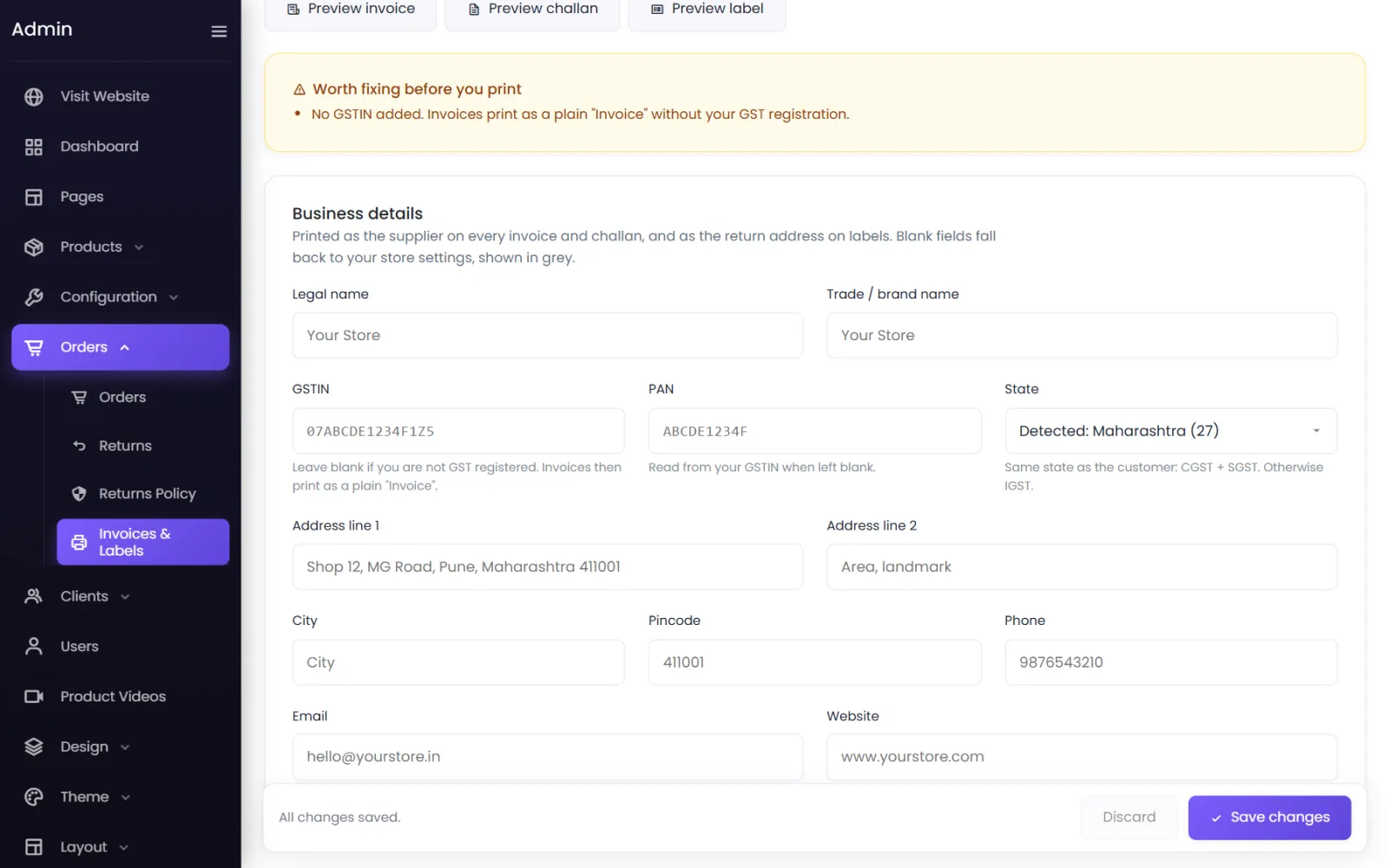
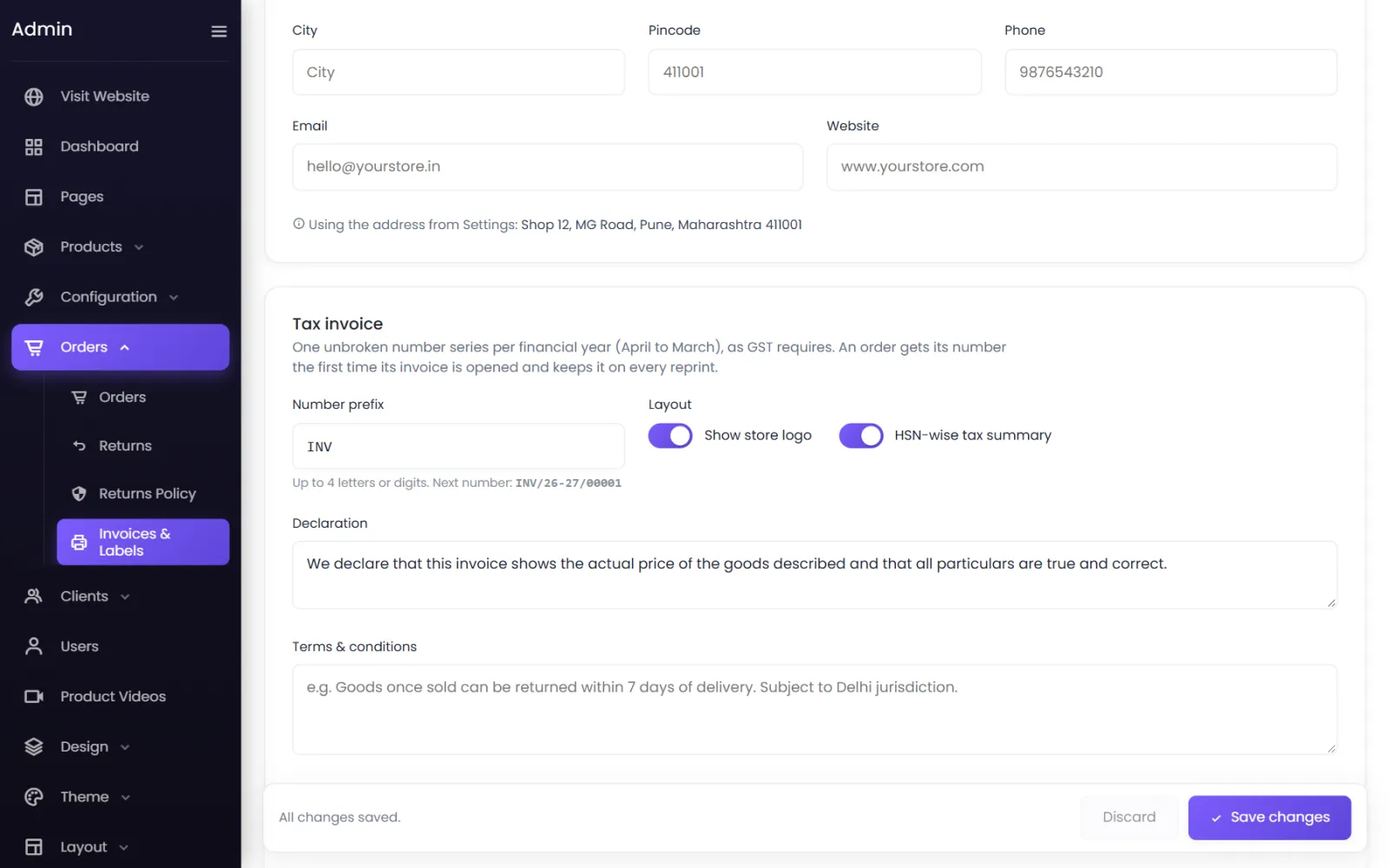
Tax invoice#
- Number prefix — up to 4 letters or digits, such as INV. The screen shows the next number, such as
INV/26-27/00001. - Numbering is one unbroken series per financial year (April to March), as GST requires. An order gets its number the first time its invoice is opened and keeps it on every reprint.
- Layout — Show store logo and HSN-wise tax summary.
- Declaration — the standard line that the invoice shows the actual price of the goods.
- Terms & conditions — Goods once sold can be returned within 7 days of delivery. Subject to Pune jurisdiction.
- Closing note — Thank you for shopping with us!
- Authorised signatory and Signature or stamp — a PNG with a transparent background looks best; up to 2 MB.
Delivery challan#
For goods that move without an invoice, or alongside one. It has its own number series (prefix such as DC), issued the same way. Set the Reason for transport (Supply of goods to customer) and whether Values are shown (Show value and tax) or just Quantities only.
Shipping label#
A courier-style label: the deliver-to address with a large pincode, COD or prepaid, an AWB barcode once the shipment has one, and an order barcode for your packing station.
- Paper — 4 × 6 in thermal (one label per page, for Zebra, TSC and similar label printers) or A4, four per sheet (four A6 labels on any office printer — cut along the guides).
- List the contents on the label.
- Print the order value on prepaid labels.
- Use a different return address — such as your warehouse.
Print documents for an order#
On the order screen, under Documents: Generate invoice (or Invoice once it has a number), Delivery challan and Shipping label. Choose Original only, Original + duplicate or All three copies for invoices and challans. For many orders at once, see Print and export.
Was this page helpful?
Something is missing — tell us