- Online store builder
- Orders & returns
- Enquiries
Enquiries (catalogue stores)
In a catalogue store, customers send enquiries instead of orders — where to find them, what each one contains, and how to follow up.
In a store in catalogue mode, customers add products to an enquiry cart and submit it with their details. Each submission is an enquiry, listed under Enquiries in your admin.
Find enquiries#
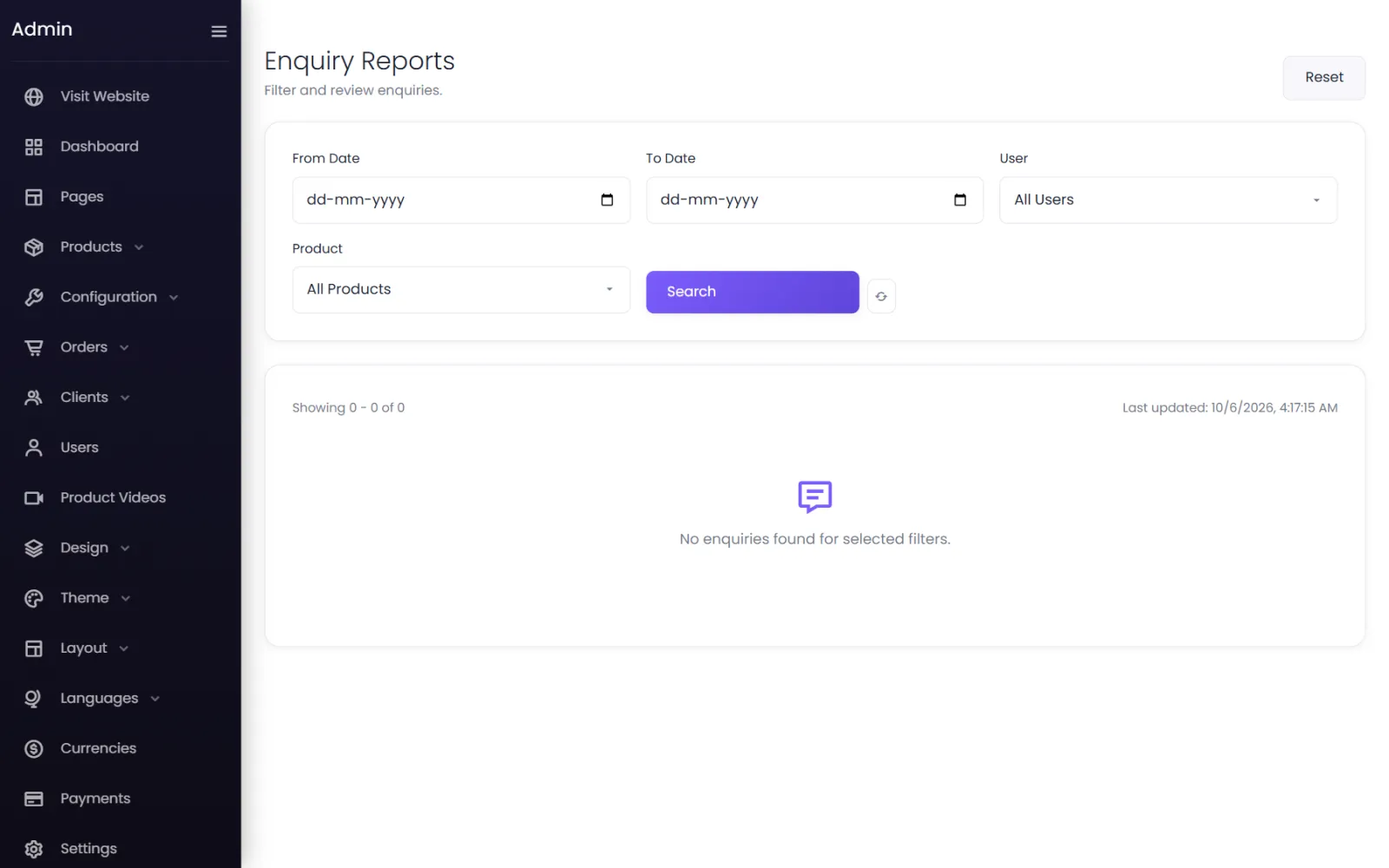
Enquiries opens Enquiry Reports: every enquiry with its ID, Name, number of Items and Date. Filter by From Date, To Date, User and Product, then Search. Reset clears the filters.
What an enquiry contains#
Open one to see:
- Name, Email, Phone and Company;
- the customer's Message;
- the Order Date;
- the Items they are interested in, with the options they picked.
Follow up#
The store does not email you when an enquiry arrives, so check the list daily. Reply by phone, WhatsApp or email with your quotation. Customers who were signed in also see their enquiry under My Enquiries in their account.
Was this page helpful?
Something is missing — tell us