- Online store builder
- Marketing & content
- Accordions and FAQs
Accordions and FAQs
Build FAQ blocks of questions and answers, show them on pages, and attach one to products for size, care and delivery questions.
An accordion is a list of questions whose answers open when tapped — perfect for FAQs. You build an accordion once and show it on pages and products.
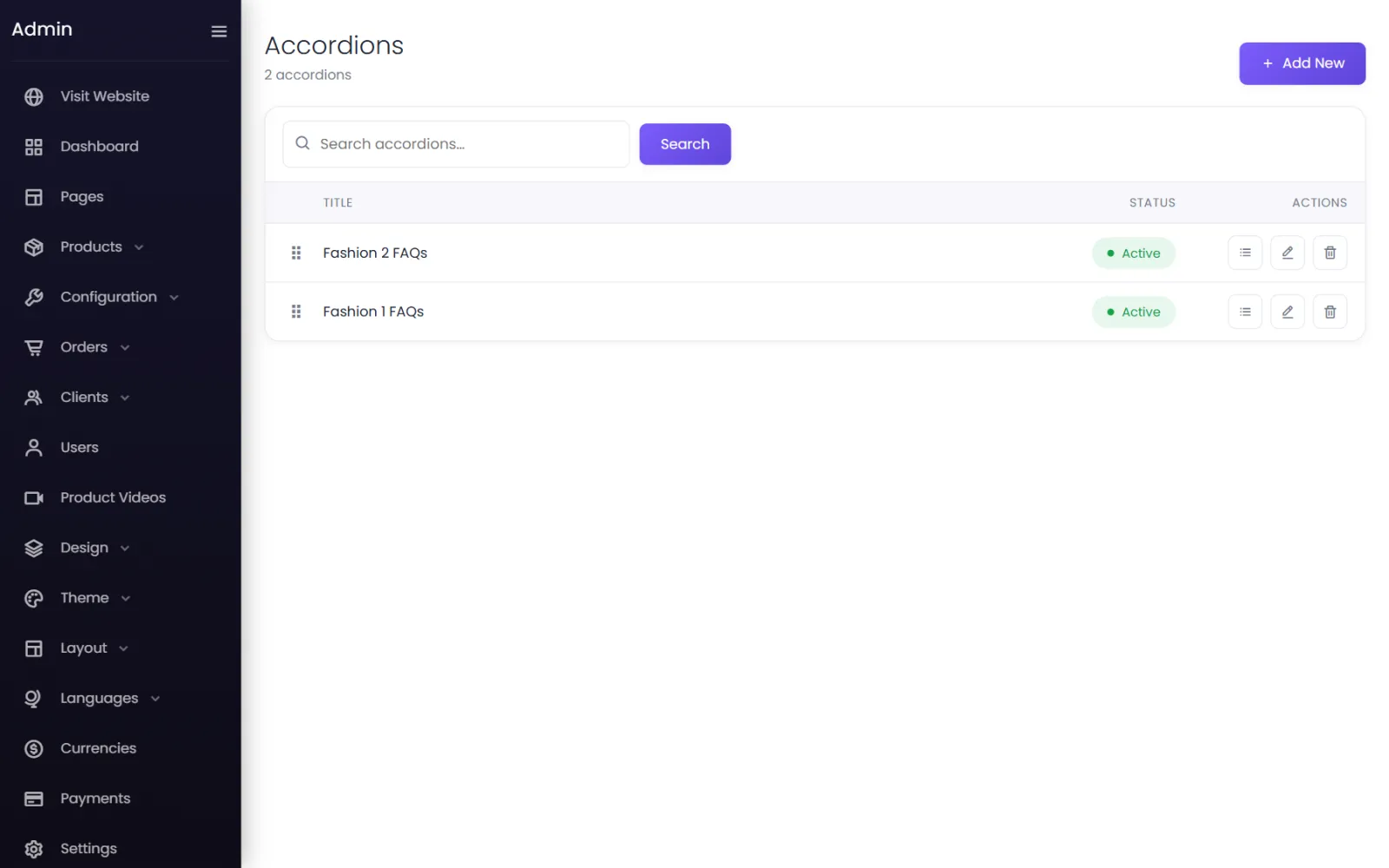
Create an accordion#
- Go to Accordions / FAQs and select Add New.
- Give it a Title — Saree FAQs, Delivery & returns — and leave Status on Active. Select Submit.
Add questions#
- On the accordion's row, select the list button to open its items, then Add New.
- Title — the question: How long does delivery take?
- Content — the answer.
- Select Submit. Repeat, and drag items into order.
Show it#
- On a page — add the Accordion element in the page builder and choose the accordion.
- On a product — on the product form, under Extras, choose it in Accordion/FAQ. Many products can share one — all your sarees can show Saree FAQs.
How accordions look comes from Design → Accordion. See Design library.
What to answer#
The questions customers ask you on WhatsApp are the ones to answer here: delivery time to their city, cash on delivery, returns and exchanges, sizes and fit, fabric care, gift wrapping.
The starter store includes two sample FAQ blocks (Fashion 1 FAQs, Fashion 2 FAQs) — edit them or delete them.
Was this page helpful?
Something is missing — tell us