Coupons and discount codes
Create discount codes — percentage or amount off, minimum order, maximum discount, dates, uses per customer, new-customer offers — and show them at checkout.
A coupon gives customers a discount when they type its code at checkout. You decide how much, on which orders, when, and how often.
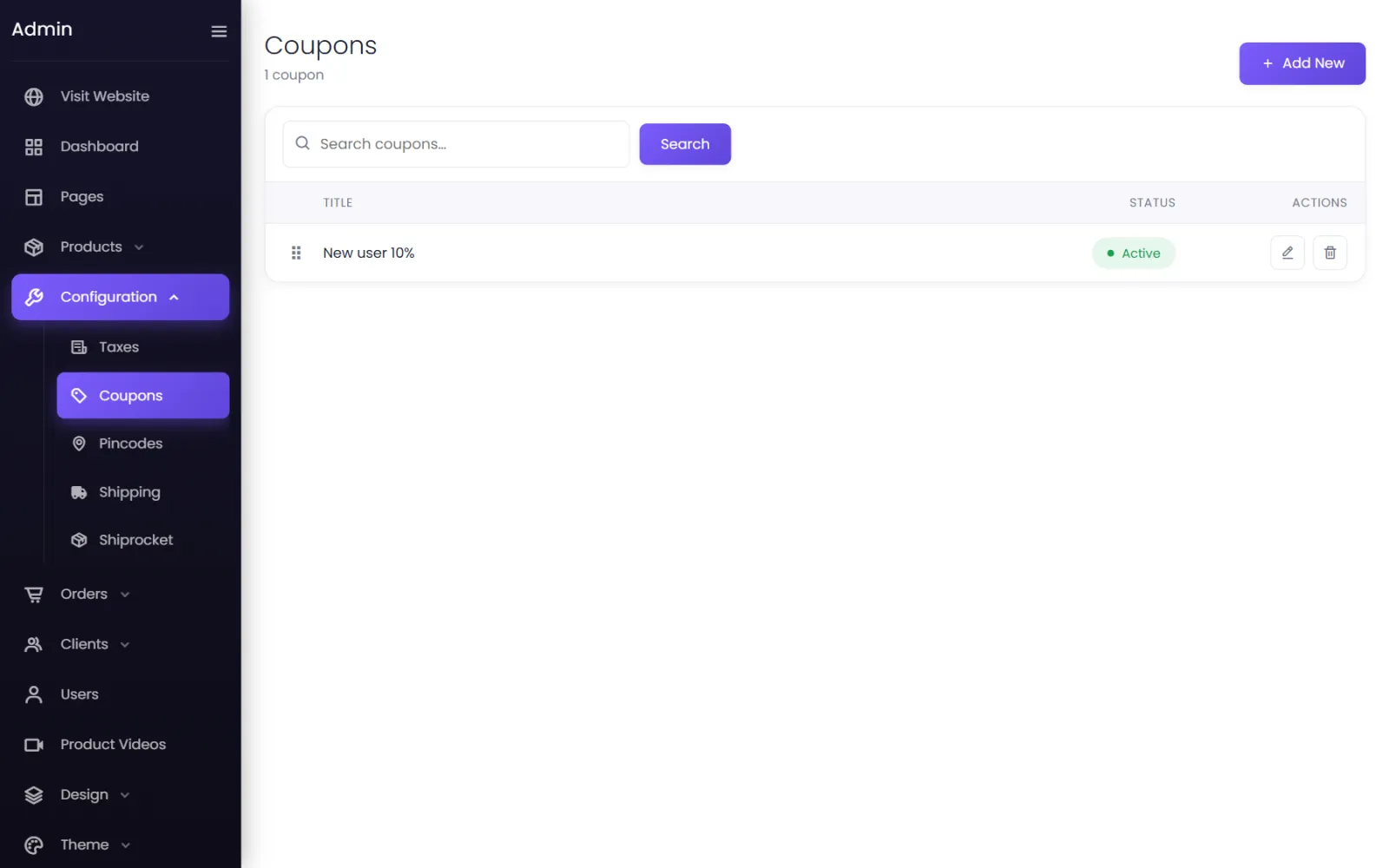
Create a coupon#
- Go to Configuration → Coupons and select Add New.
- Fill in the form (below) and select Submit.
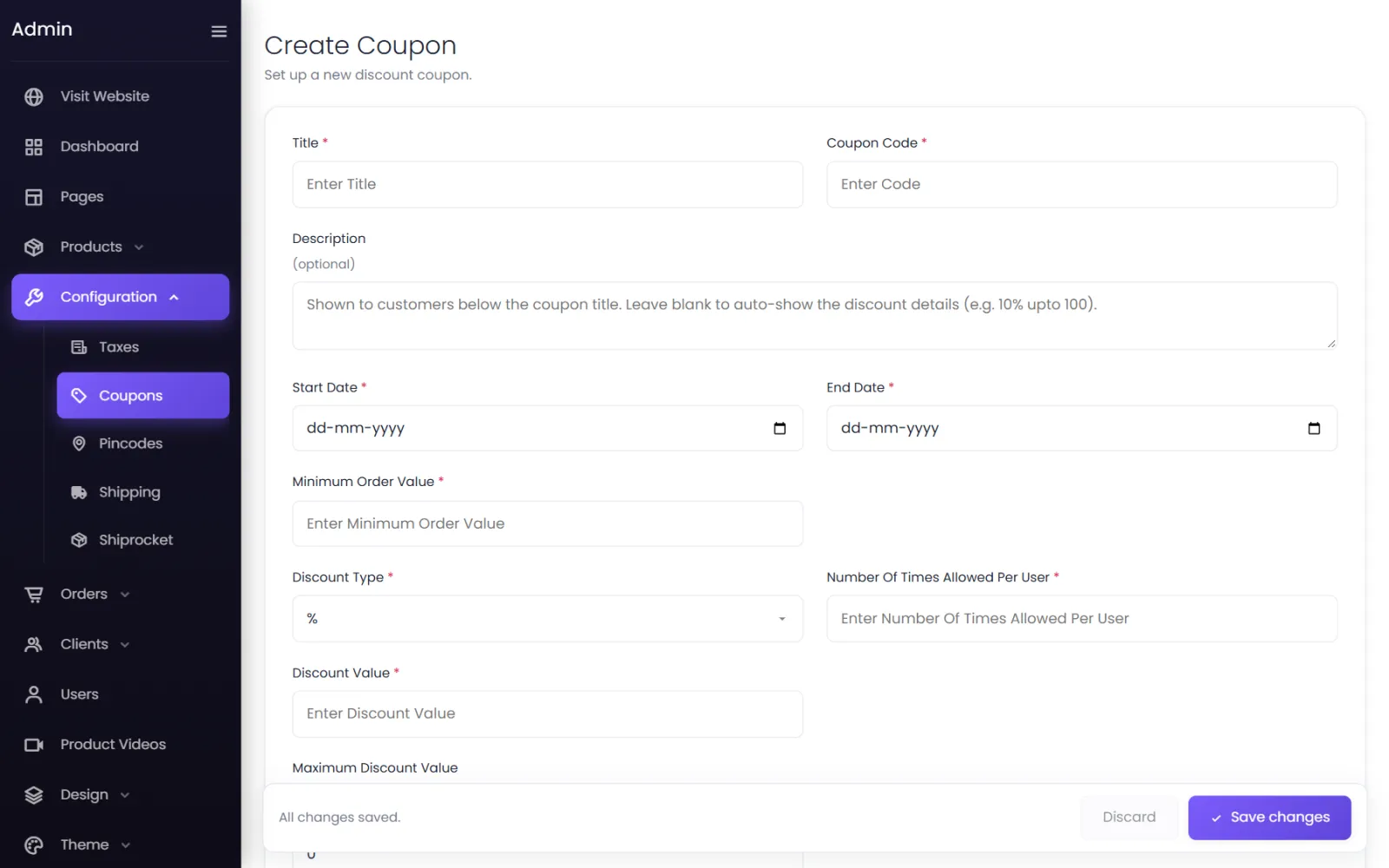
| Field | What it does |
|---|---|
| Title | The coupon's name, shown to customers — Diwali sale 15%. |
| Coupon Code | What they type — DIWALI15. Keep it short, without spaces. |
| Description (optional) | Shown under the title. Leave blank to show the discount details automatically (10% upto 100). |
| Start Date / End Date | When it works. Before the start: Coupon not started yet; after the end: Coupon has expired. |
| Minimum Order Value | The cart must reach this. Below it, the customer sees Add items worth ₹… to avail coupon. |
| Discount Type | % (percentage) or Amount (rupees off). |
| Discount Value | The percentage or amount. |
| Maximum Discount Value | A cap on a percentage discount — 15% off, up to ₹500. Enter 0 for no limit. |
| Number Of Times Allowed Per User | How many times one customer can use it. |
| For New Users Only | Yes for first-order offers. |
| Limit Orders For New Users | With For New Users Only: a customer counts as new while they have placed fewer orders than this. 1 means only customers with no orders yet. |
| Status | Active to make it usable. |
If you sell in several currencies, the this coupon in other currencies button sets its amounts per currency; blank ones are converted.
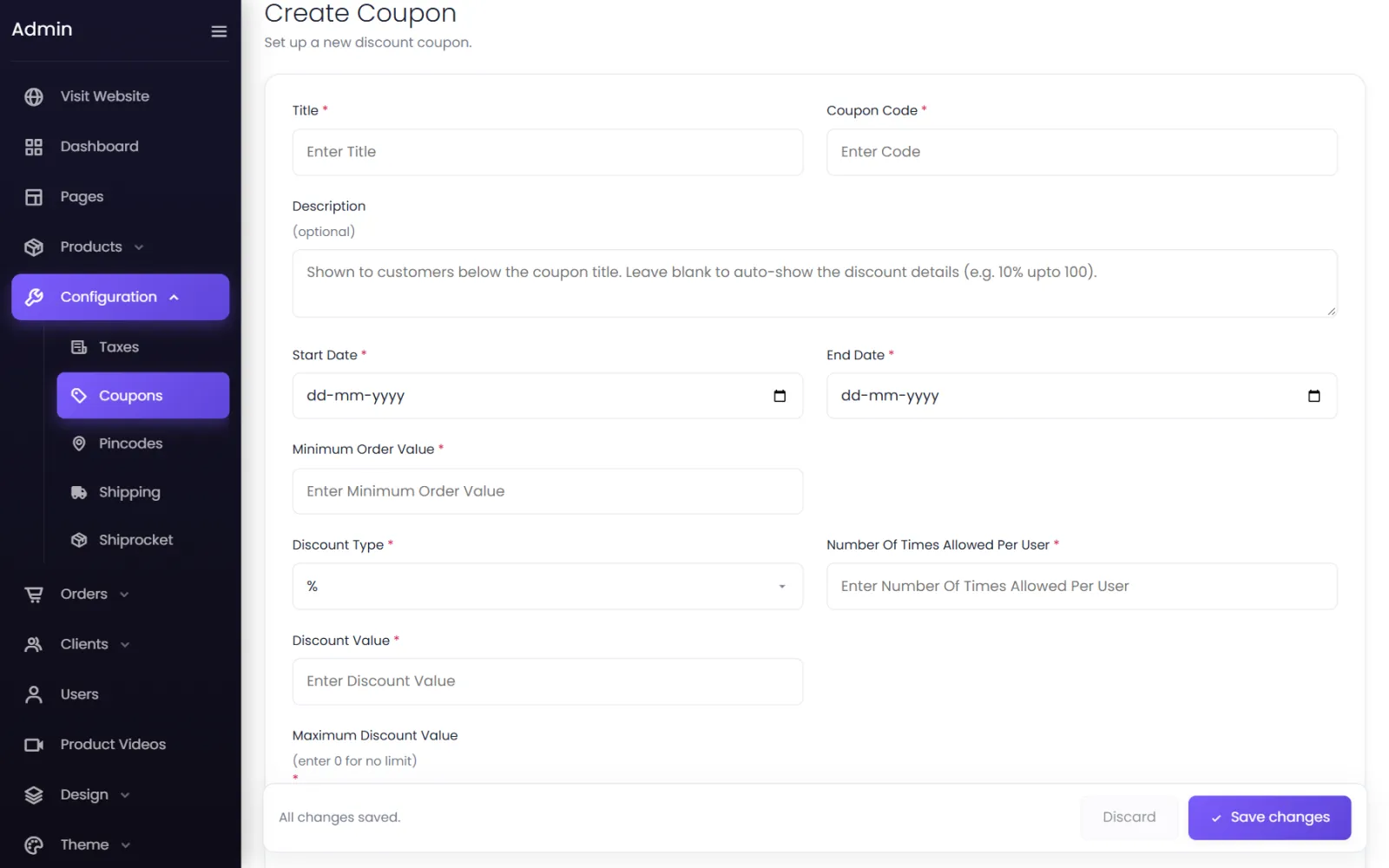
How customers use coupons#
At checkout, customers type the code in Enter Coupon Code and apply it. The discount appears in the order summary.
Show coupons at checkout#
In Settings → Storefront → Coupons:
- Show coupons at checkout — lists your active coupons under Available Coupons, so customers can apply one directly instead of hunting for a code.
- Allow several coupons in one order — off means one coupon per order: Only one coupon can be applied. Remove the applied coupon first.
Messages customers may see#
| Message | Why |
|---|---|
| Invalid coupon code | No active coupon has that code. |
| Coupon is no longer available | The coupon was switched off or deleted. |
| Coupon not started yet / Coupon has expired | Outside its dates. |
| Coupon usage limit reached | They have used it the allowed number of times. |
| Coupon valid only for new users | It is a new-customer offer and they have ordered before. |
| Add items worth ₹… to avail coupon | Below the minimum order value. |
| Coupon already applied | It is already on the cart. |
The starter coupon#
New stores include New user 10% (code New10). Edit it into your own welcome offer, or set it to Inactive.
Was this page helpful?
Something is missing — tell us